
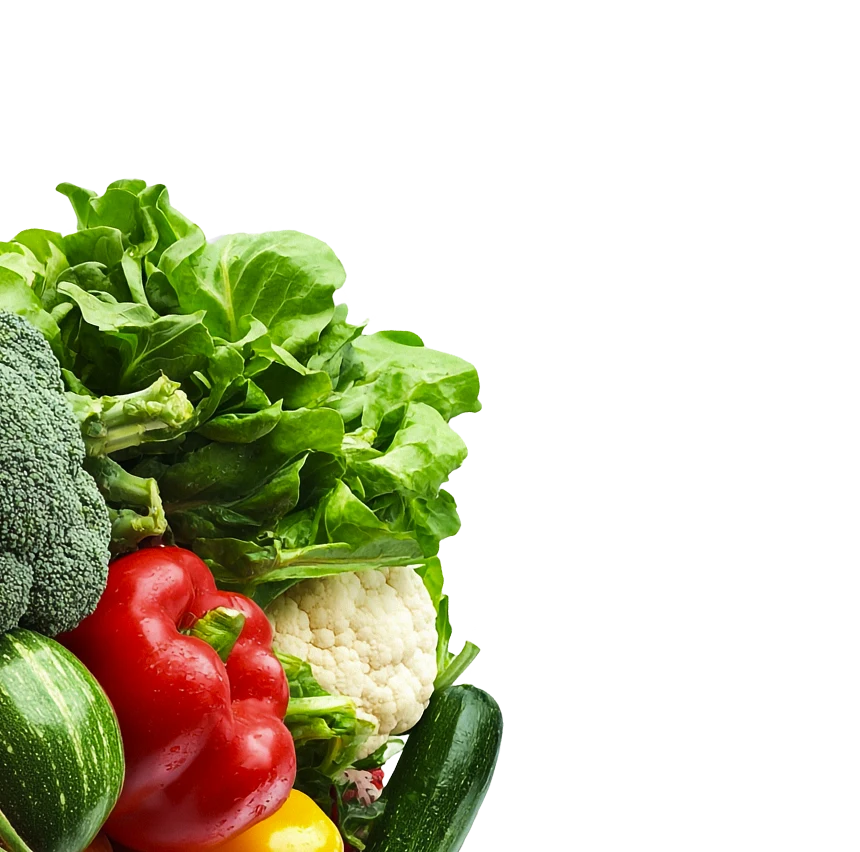

Photo Calorie Counter —
Snap Food, Get Calories
Take a photo of any meal and get a full breakdown of calories, protein, carbs, and fat. No databases to search. No food names to type. Just point, snap, and know exactly what you ate.
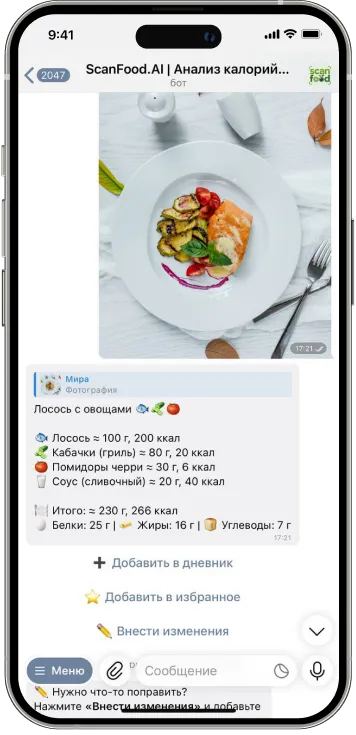
How Photo Scanning Works
Take a Photo of Your Food
Open ScanFood.AI in Telegram and snap a picture of your plate, bowl, or snack. Any angle works — the AI adapts.
AI Identifies Every Item
Our food recognition model detects individual ingredients on your plate — even complex dishes with multiple components.
Get Full Nutrition Breakdown
Calories, protein, carbs, fat — per ingredient and total. Saved to your food diary automatically.
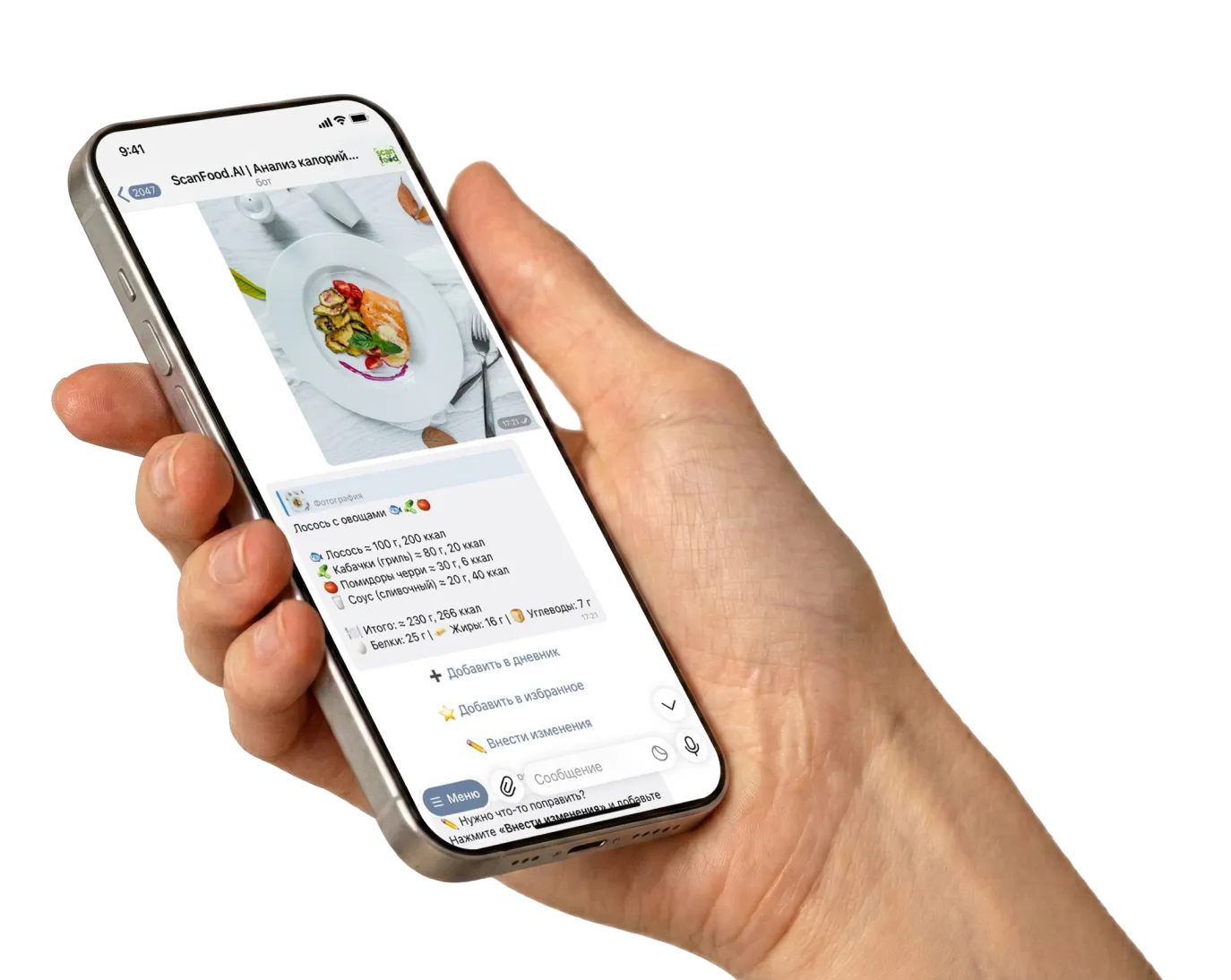
Photo Scanning vs Manual Logging
See why 50,000+ users switched from typing food names to snapping photos.
Manual Logging
- ✗ Search food database for each item
- ✗ Type exact name and brand
- ✗ Estimate portions manually
- ✗ Log each ingredient separately
- ✗ 2-3 minutes per meal
Photo Scanning
- ✓ Snap one photo of your plate
- ✓ AI identifies all items automatically
- ✓ Portions estimated from image
- ✓ Full breakdown in one step
- ✓ 3 seconds per meal
Why Photo Calorie Counting Works Better
No Manual Input
Stop searching databases and typing food names. One photo replaces minutes of manual logging.
Complex Dishes Welcome
Salads, mixed plates, restaurant meals — the AI breaks down multi-ingredient dishes into components.
Works With Any Cuisine
Asian, Mediterranean, American, Indian — trained on thousands of dishes from around the world.
Portion Estimation
AI estimates portion sizes from the photo. You can adjust if needed — but most users find it accurate enough.
Edit & Refine
Not quite right? Tap to adjust portions, add missing items, or correct ingredients. You stay in control.
Also: Text & Voice
No photo? Type "oatmeal with banana" or send a voice message. Multiple input methods for any situation.
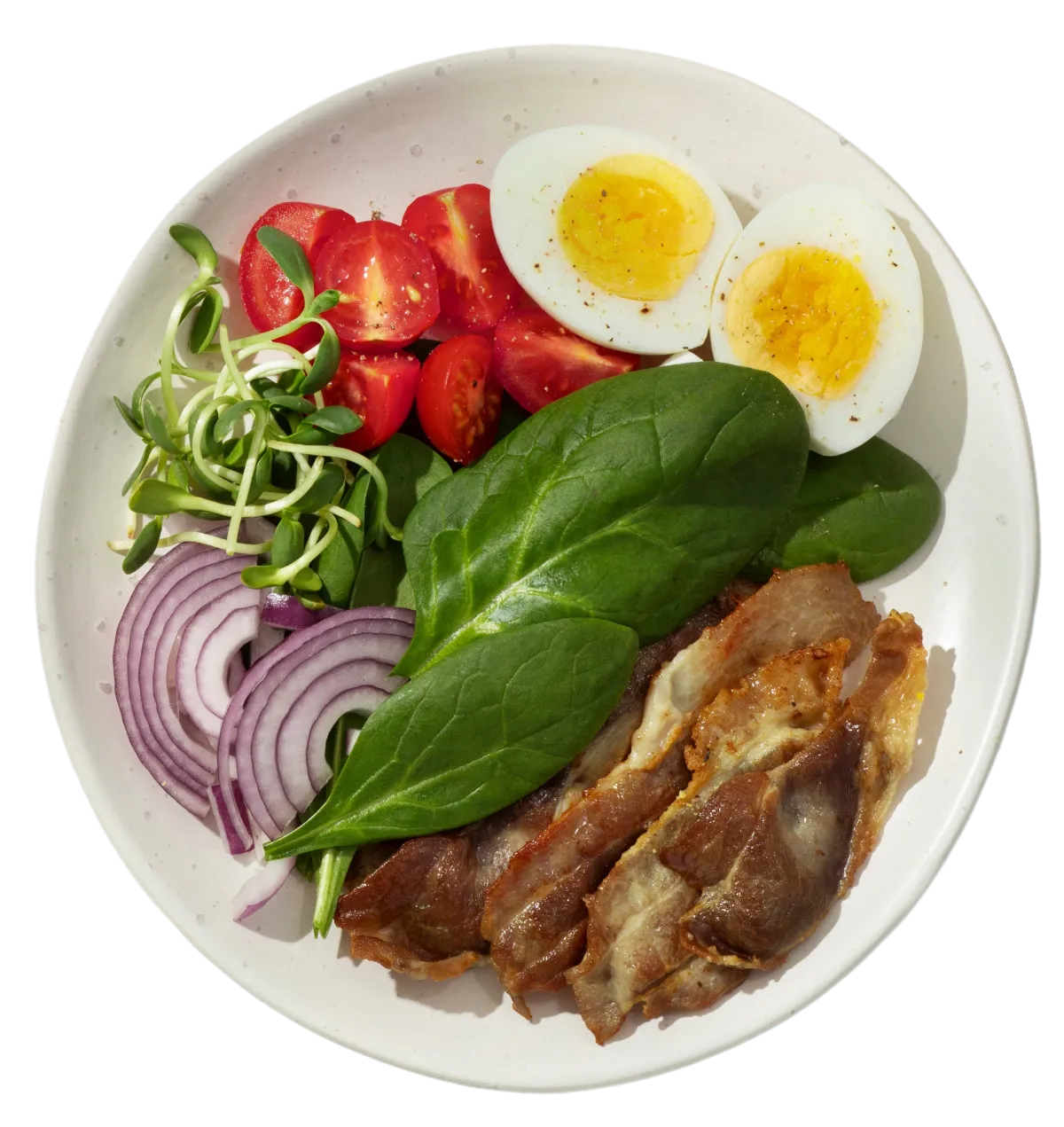
Trusted by 50,000+ Users
People who switched from manual logging to this food scanner track their meals more consistently. When it takes 3 seconds instead of 3 minutes, you actually do it every meal.
Per meal scan
User rating
Dishes recognized
Frequently Asked Questions
How accurate is photo calorie counting?
Can it handle multiple items on one plate?
Is this better than manual calorie counting?
What if the AI doesn't recognize my food?
Does photo quality matter?
Do I need a special app?
Stop Typing. Start Snapping.
Try photo calorie counting free for 3 days. One tap to start.
Try Photo Scanner FreeFree 3-day trial · No credit card · Works in Telegram